





Dear Valued Customers,
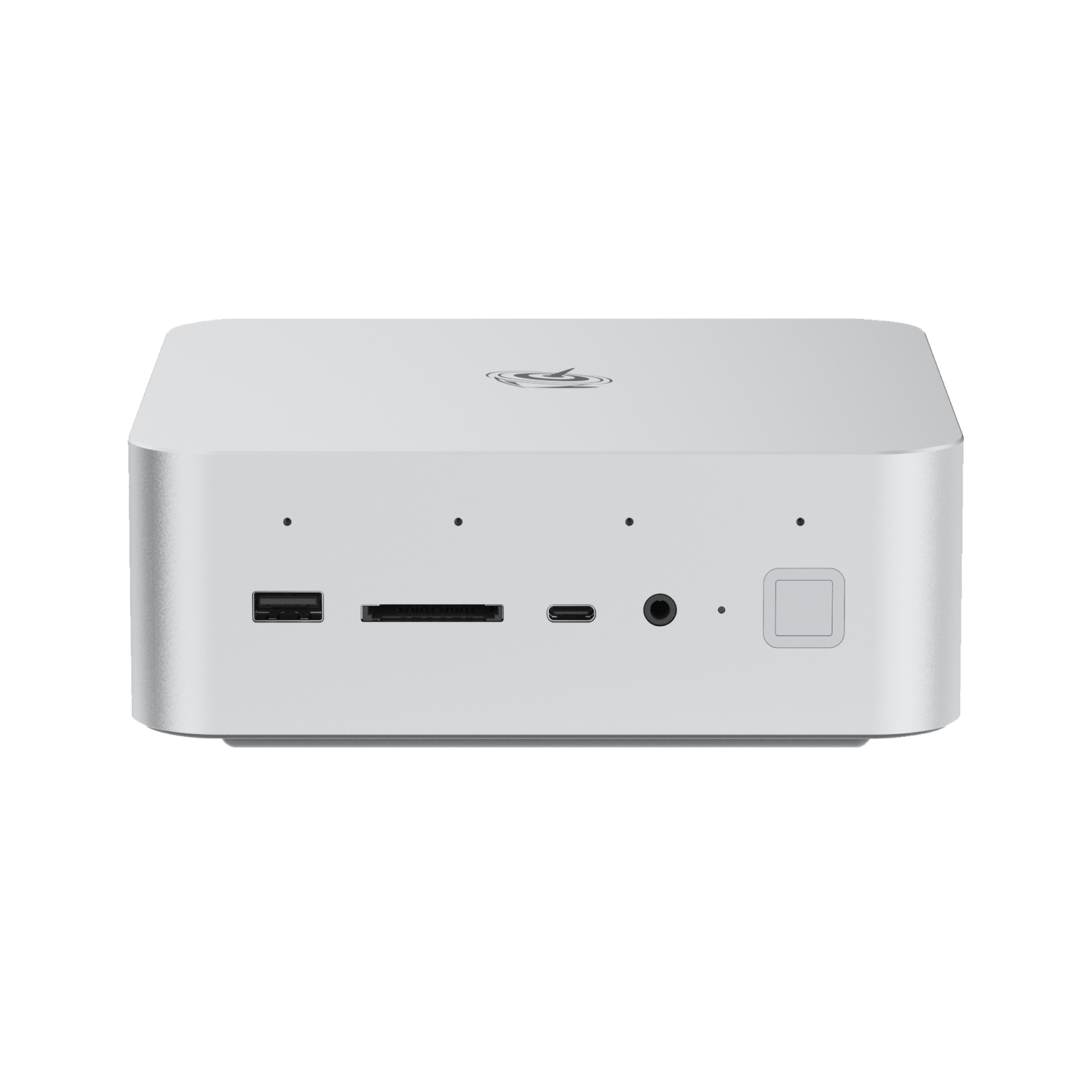
We have received reports that Beelink SER8 mini PCs may experience system freezes, stuttering or random reboots after updating Windows OS or the latest official AMD drivers.
Our technical team has confirmed that this issue stems from compatibility conflicts between the newly updated Windows/AMD drivers and the factory-default chipset driver of SER8.
Temporary Solution
If your device is malfunctioning, please roll back the chipset driver to the original factory version to restore normal operation. To prevent the issue from recurring, please refrain from updating Windows and official AMD drivers temporarily.
Recommended Method: Uninstall problematic drivers and reinstall factory drivers
This solution fixes the issue without reinstalling the system.
- Perform a forced hard shutdown three times in a row: While the Windows boot logo is on screen, press and hold the power button. On the fourth startup, Windows will automatically launch Automatic Repair.
- Follow the path: Advanced options → Troubleshoot → Advanced options → Startup Settings → Restart.
- After rebooting, press 4 to enter Safe Mode.
- In Safe Mode, right-click the Start menu and select Installed Apps. Search for AMD Chipset Software and uninstall it per the on-screen instructions.
- Open Device Manager and uninstall the graphics driver as well.
- Restart your device and verify normal boot-up.
Please download and install the corresponding factory drivers via the links below:
- SER8 8845 Driver package: https://url.bee-link.cn/xv1s
- SER8 8745 Driver package: https://url.bee-link.cn/XqOf
- Installation tutorial: https://buildin.ai/lizong/50c2dee7-dcde-4707-97d8-dc7eac84a4eb
Our team is working closely with AMD to optimize and fully adapt the latest drivers. We will post official updates and further notices on our website once the problem is resolved.
We apologize for any inconvenience caused. For technical support, please contact us via email: support-pc@bee-link.com.
Best regards,
Beelink Service.